Resolution & DPI Guide for Large Format Printing UK
One of the most common questions we receive at PRiNT BiG UK is: "What resolution does my artwork need to be?" It's a deceptively simple question with a nuanced answer — and getting it wrong can mean the difference between crisp, professional signage and a blurry, pixelated disappointment. Whether you're ordering a roller banner for a trade show in Birmingham, a large outdoor hoarding in Manchester, or a fabric display for a London exhibition, understanding resolution and DPI is essential.
This guide cuts through the confusion and gives you clear, practical advice on resolution requirements for every type of large format print.
What Is DPI and Why Does It Matter?
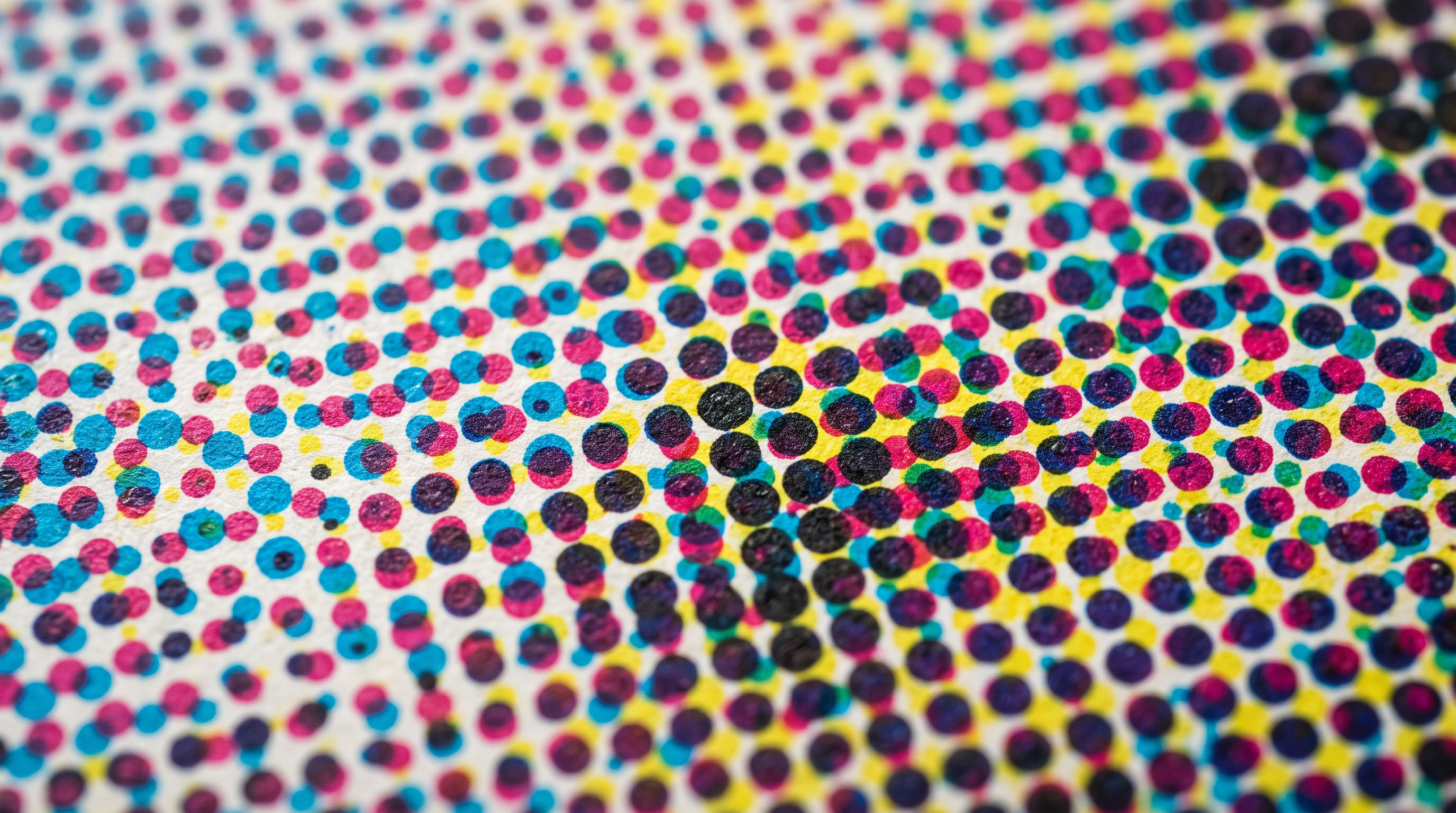
DPI stands for dots per inch — it describes how many individual ink dots a printer places within one inch of printed material. The higher the DPI, the more detail is reproduced, and the sharper the final print appears. However, for large format printing, the relationship between DPI and print quality is more complex than it is for desktop printing.
When you're printing a business card or an A4 document, 300 DPI is the standard because the viewer holds it close — typically 30–40 cm away. Large format prints, by contrast, are viewed from a distance. A 3-metre-wide banner is rarely inspected from 30 cm away; it's designed to be read from across a room or a street. This viewing distance fundamentally changes the resolution requirements.
The key principle is this: the larger the print and the greater the viewing distance, the lower the required DPI. A file that looks perfectly sharp on a 6-metre hoarding at 25 DPI would look terrible printed at A3 size.
Recommended DPI by Print Type
Here's a practical breakdown of the resolution requirements for the most common large format print products:
Indoor Displays and Roller Banners
Indoor displays — including roller banners, pop-up stands, and fabric displays — are typically viewed from 1–3 metres. For these, we recommend supplying artwork at 150 DPI at full size, or alternatively at 300 DPI at 50% of the final print size. This gives the printer enough detail to reproduce fine text, logos, and photographic imagery cleanly.
- Roller banners (800mm × 2000mm): 150 DPI at full size
- Pop-up display panels: 150 DPI at full size
- Fabric tension displays: 100–150 DPI at full size
- POS displays and countertop graphics: 150–200 DPI at full size
Outdoor Banners and Signage
Outdoor banners — whether PVC, mesh, or fabric — are generally viewed from 3 metres or more. For standard outdoor banners up to 3 metres wide, 100–150 DPI at full size is typically sufficient. For very large outdoor prints such as building wraps or hoardings, you can often go as low as 25–72 DPI at full size without any visible quality loss at normal viewing distances.
- Standard outdoor PVC banners (up to 3m wide): 100–150 DPI
- Large outdoor hoardings (3m+): 50–100 DPI
- Building wraps and scaffolding banners: 25–72 DPI
- Mesh banners for construction sites: 50–100 DPI
Rigid Signage (Foamex, Dibond, Acrylic)
Rigid boards such as Foamex, Dibond aluminium composite, and acrylic signs are often used in retail environments, offices, and exhibitions where viewers may get quite close. For these, aim for 150 DPI at full size as a minimum, with 200–300 DPI preferred for smaller rigid signs (A1 and below) where close inspection is likely.
The Scale-Down Rule: A Practical Shortcut
Many designers find it easier to work at a reduced scale rather than at full print size — particularly for very large formats. The scale-down rule is simple:
- Working at 50% of final size? Double your target DPI (e.g., 300 DPI at 50% = 150 DPI at 100%)
- Working at 25% of final size? Quadruple your target DPI (e.g., 300 DPI at 25% = 75 DPI at 100%)
- Working at 10% of final size? Use 10× your target DPI
For example, if you're designing a 6m × 2m outdoor banner and want to achieve 75 DPI at full size, you could work at 10% scale (600mm × 200mm) at 750 DPI in your design software. This keeps file sizes manageable while ensuring the final output meets quality requirements.
Common Resolution Mistakes to Avoid
Even experienced designers make resolution errors when moving from small-format to large-format work. Here are the most frequent pitfalls:
Upscaling Low-Resolution Images
This is the single most common cause of poor print quality. Taking a 72 DPI web image and increasing its resolution in Photoshop to 150 DPI does not add detail — it simply interpolates (guesses) the missing pixels, resulting in a soft, blurry print. Always source images at the highest available resolution, and use vector graphics (SVG, EPS, AI) for logos and text wherever possible, as these scale infinitely without quality loss.
Confusing Screen Resolution with Print Resolution
Images downloaded from websites are typically 72 DPI — optimised for screen display, not print. A photo that looks sharp on your monitor may print very poorly. Always check the actual pixel dimensions of your images. A 1000 × 500 pixel image at 72 DPI is only about 35cm × 18cm at print quality — far too small for most large format applications.
Embedding Low-Resolution Logos
Many businesses supply logos as JPEG or PNG files exported from websites. These are almost always too low-resolution for large format printing. Always request vector versions of your logo (EPS or AI format) from your designer or brand team. If only raster versions are available, ensure the pixel dimensions are large enough for the intended print size.
File Formats: What to Supply
Alongside resolution, the file format you supply matters enormously. At PRiNT BiG UK, we accept a range of formats, but the following are preferred for best results:
- PDF (print-ready): The gold standard for large format artwork. Ensure fonts are embedded or outlined, and images are at the correct resolution.
- AI / EPS: Ideal for vector-based artwork such as logos and text-heavy designs.
- TIFF: Excellent for photographic or raster-heavy artwork at full resolution.
- PSD: Acceptable for complex layered designs, but ensure the document resolution is correct before supplying.
Avoid supplying JPEG files as your primary artwork format — JPEG compression introduces artefacts that become visible at large print sizes, particularly in areas of flat colour or fine text.
Get It Right First Time with PRiNT BiG UK
Understanding resolution requirements is one of the most valuable skills any UK business can develop when working with large format print. Supply your artwork at the correct DPI, use vector graphics wherever possible, and always check your actual pixel dimensions rather than relying on how an image looks on screen.
At PRiNT BiG UK, our experienced team reviews every file before it goes to press. If we spot a resolution issue, we'll contact you before printing — saving you time, money, and the frustration of a reprint. We also offer a free artwork check service, so if you're unsure whether your files are print-ready, simply upload them and we'll advise you.
Ready to place your order? Visit PRiNT BiG UK to explore our full range of large format printing products, request a quote, or speak to our team about your next project. We deliver across the UK, with fast turnaround times and consistently outstanding print quality.
Tags:
Related Articles
Digital vs Traditional Large Format Printing: Which Is Right for Your UK Business?
Choosing between digital and traditional large format printing can be confusing. This guide breaks down the key differences, costs, quality considerations, and ideal use cases to help UK businesses make the right decision for their next print project.
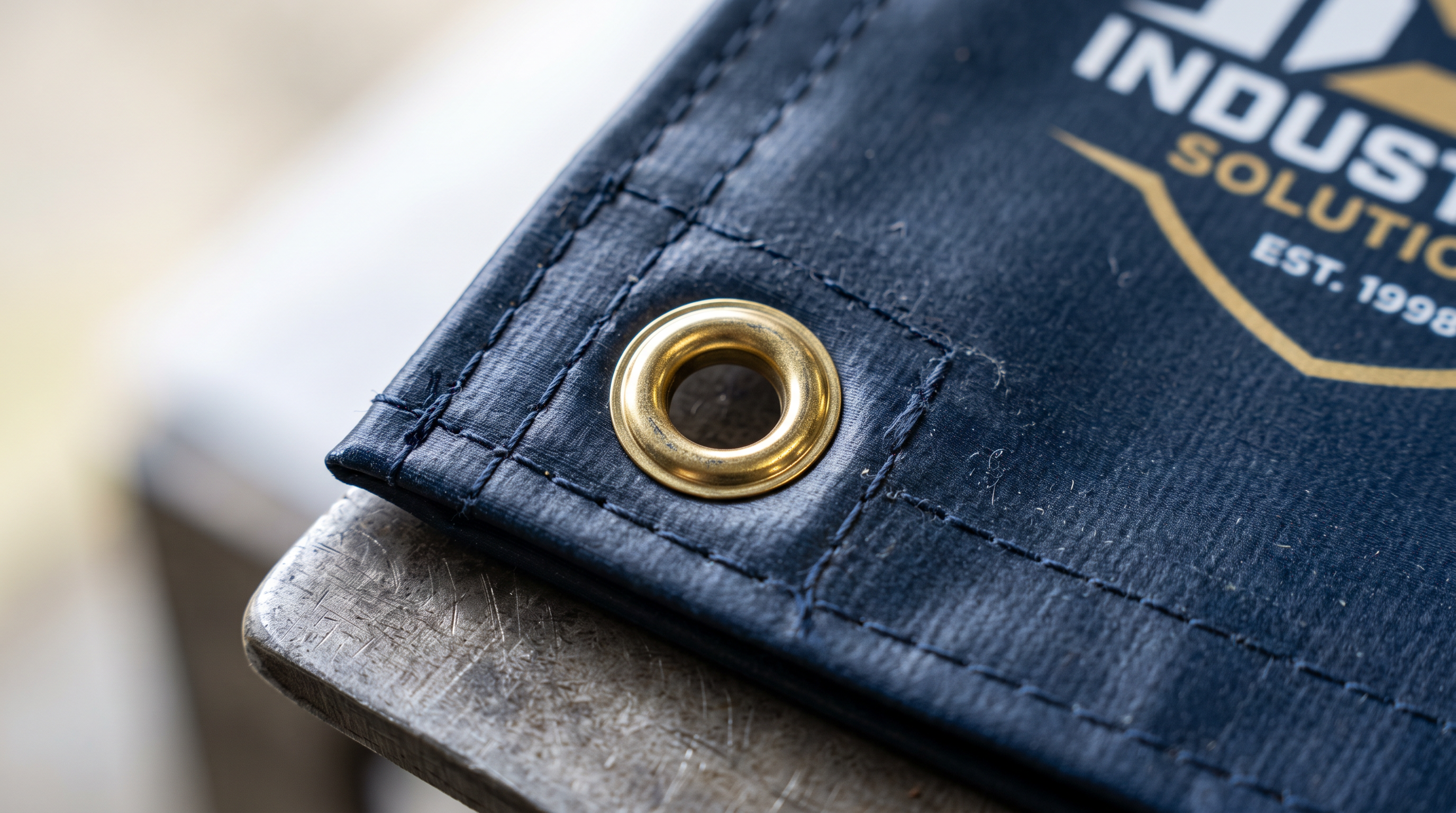
Print Finishing Options for Large Format Banners UK: Eyelets, Pole Pockets & Hemming Explained
Choosing the right finishing for your large format banner can make or break your display. From eyelets and pole pockets to hemmed edges and bungee loops, this guide explains every option so UK businesses can order with confidence.
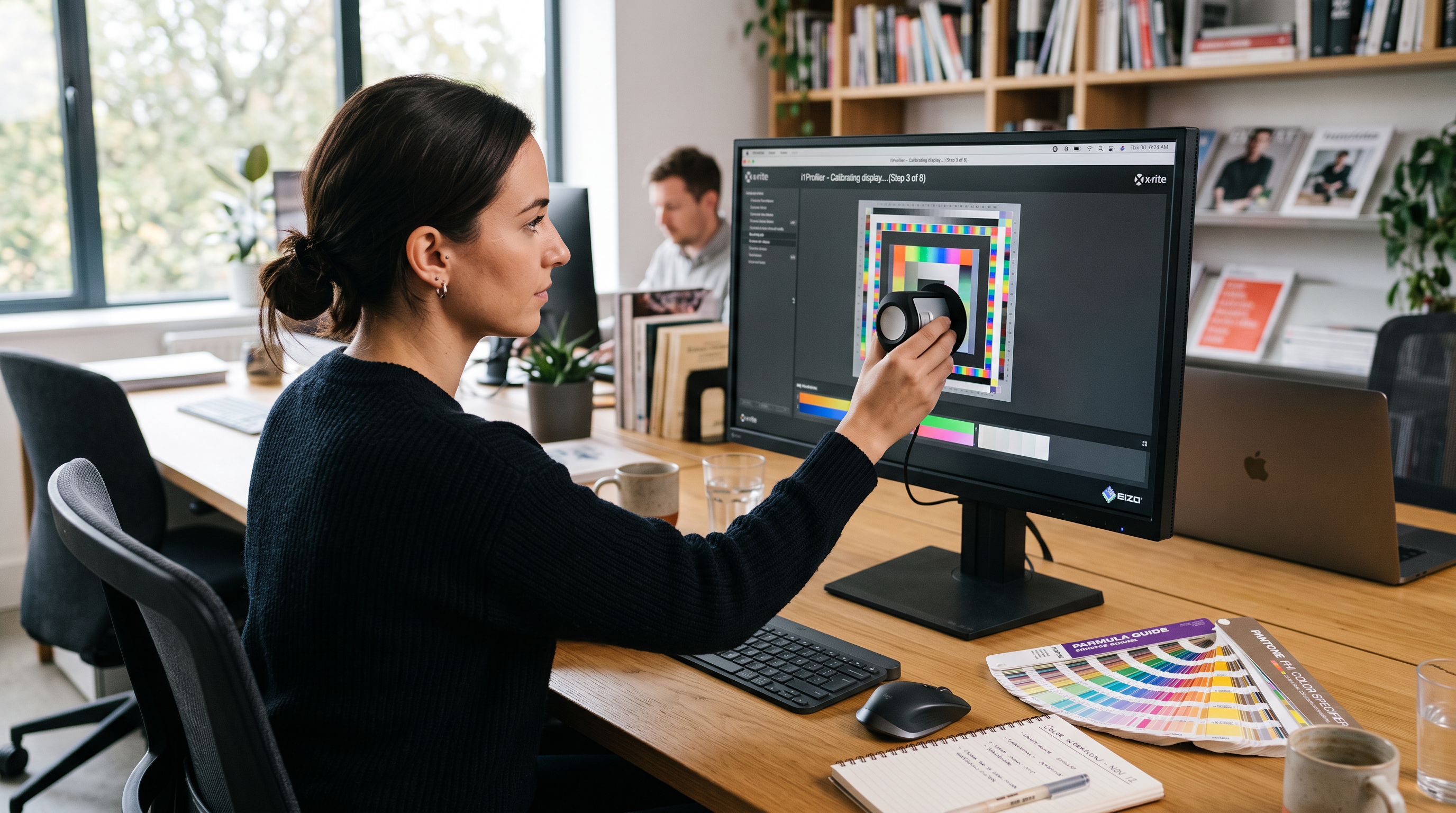
Colour Management for Large Format Printing: A UK Designer's Guide
Struggling with colours that look perfect on screen but disappoint in print? Our expert guide to colour management for large format printing helps UK designers and businesses achieve accurate, vibrant results every time — from file setup to final output.